Building Noteline AI: Chat With Your Notes Using RAG
Building Noteline AI: Chat With Your Notes Using RAG
Generic chatbots hallucinate because they only know what's in their training data. Your notes are different — they're private, specific, and constantly changing. The solution is Retrieval-Augmented Generation (RAG): retrieve relevant chunks from your documents first, then let the LLM answer using that context.
That's exactly what I built with Noteline AI — a minimal knowledge workspace where you upload materials, ask questions in natural language, and get streaming, grounded answers with source citations.
What Is Noteline AI?
Noteline AI is an AI knowledge platform for people who learn, research, and document constantly. Instead of searching through folders or scrolling long PDFs, you:
- Upload notes, docs, and learning materials to your library
- Ask questions in a focused chat interface
- Receive answers streamed word-by-word, grounded in your actual content
- Verify every response against numbered source excerpts with match scores
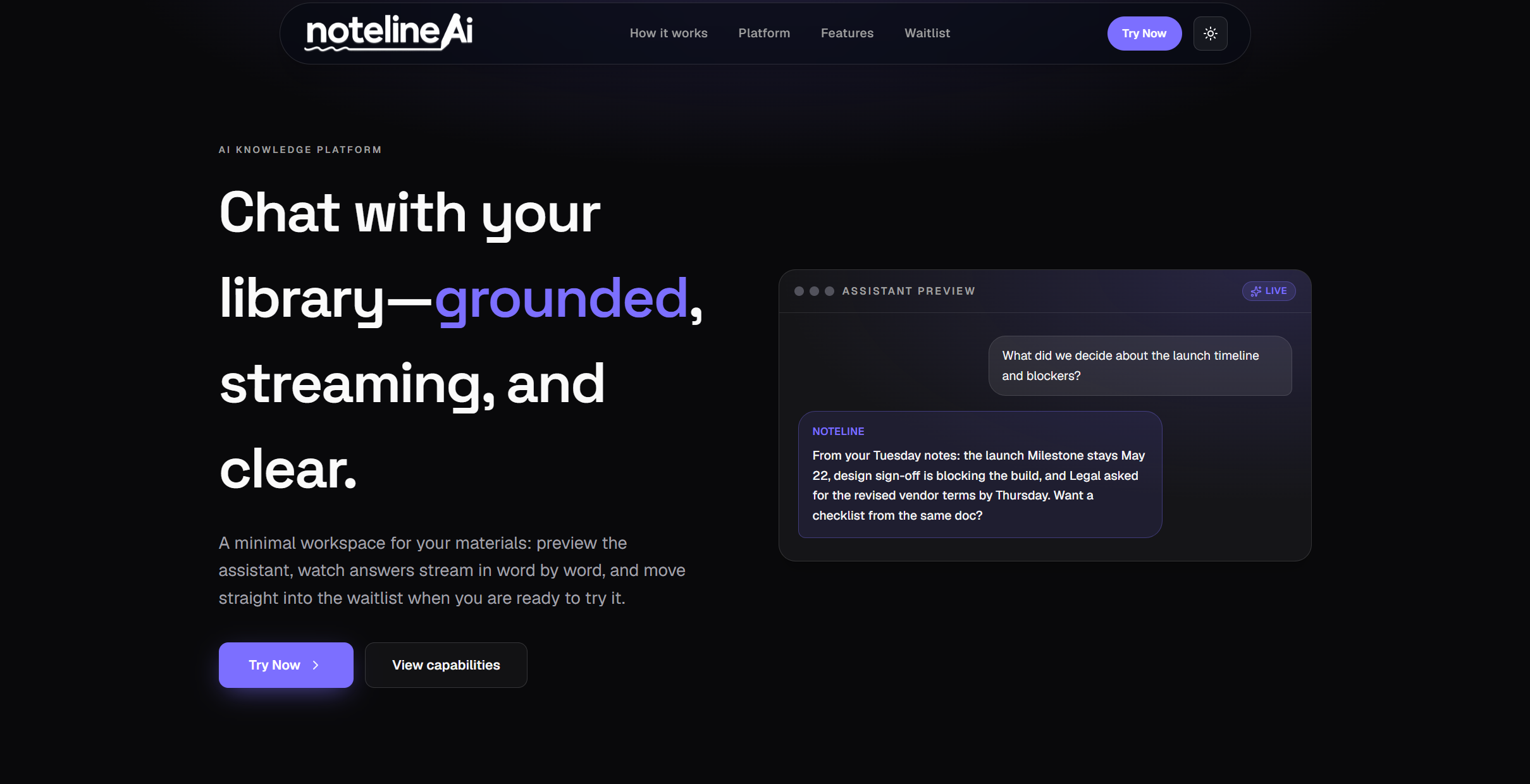
The tagline captures the core idea: "Chat with your library — grounded, streaming, and clear."
Why RAG Instead of Fine-Tuning?
| Approach | Pros | Cons |
|---|---|---|
| Fine-tuning | Model "knows" your domain | Expensive, slow to update, hard with private data |
| Long context only | Simple architecture | Token limits, cost scales with library size |
| RAG | Fresh data, citeable sources, cheaper updates | Requires good retrieval pipeline |
RAG wins for a personal notes app because:
- Users add new notes daily — retraining isn't practical
- Citations matter — you need to trust where an answer came from
- Private documents stay in your vector store, not a model's weights
Architecture Overview
flowchart LR
  User["User"] --> UI["Web / Mobile UI"]
  UI --> Ingest["Ingest Pipeline"]
  Ingest --> Split["Text Splitter"]
  Split --> Embed["Embedding Model"]
  Embed --> VDB["Vector Store"]
  UI --> Chat["Chat API"]
  Chat --> Retrieve["Semantic Retrieval"]
  Retrieve --> VDB
  Retrieve --> LLM["LLM + LangChain"]
  LLM --> Stream["Streaming Response"]
  Stream --> UI
| Layer | Technology | Role |
|---|---|---|
| Frontend | Next.js / React Native | Note library, chat UI, source panel |
| Orchestration | LangChain | Chains, retrievers, prompt templates |
| Embeddings | OpenAI / local model | Convert text chunks to vectors |
| Vector DB | Pinecone / Chroma / Supabase pgvector | Store and search embeddings |
| LLM | GPT / Gemini / Claude | Generate grounded answers |
| Streaming | Server-Sent Events / Vercel AI SDK | Word-by-word response delivery |
The RAG Pipeline in Noteline AI
Step 1: Ingest & Chunk
When a user uploads a note, the ingest pipeline:
- Extracts text (Markdown, PDF, plain text)
- Splits into overlapping chunks (~500–1000 tokens)
- Embeds each chunk
- Stores vectors with metadata (note ID, title, timestamp)
from langchain.text_splitter import RecursiveCharacterTextSplitter
from langchain_openai import OpenAIEmbeddings

splitter = RecursiveCharacterTextSplitter(
    chunk_size=800,
    chunk_overlap=120,
)

chunks = splitter.split_documents(documents)
embeddings = OpenAIEmbeddings()
vector_store.add_documents(chunks)
Chunk overlap prevents answers from being cut off at chunk boundaries — critical for notes that span multiple paragraphs.
Step 2: Retrieve Relevant Context
When the user asks "What did we decide about the launch timeline?", the system:
- Embeds the query
- Runs similarity search against the vector store
- Returns top-k chunks (typically 4–8) ranked by relevance score
from langchain.chains import RetrievalQA
from langchain_openai import ChatOpenAI

retriever = vector_store.as_retriever(
    search_type="similarity_score_threshold",
    search_kwargs={"k": 6, "score_threshold": 0.25},
)
Noteline AI shows match percentages in the UI (e.g. 37% match, 26% match) so users can judge retrieval quality at a glance.
Step 3: Augment the Prompt
Retrieved chunks are injected into a structured prompt:
You are Noteline AI. Answer ONLY using the provided context.
If the context doesn't contain the answer, say so clearly.
Always cite which source chunk you used.

Context:
{retrieved_chunks}

Question: {user_query}
This grounding instruction dramatically reduces hallucination compared to raw chat.
Step 4: Stream the Response
Answers stream token-by-token for a responsive feel:
// Simplified streaming endpoint
export async function POST(req: Request) {
  const { query, userId } = await req.json();
  const docs = await retriever.getRelevantDocuments(query);
  const stream = await chain.stream({ question: query, context: docs });

  return new Response(stream, {
    headers: { "Content-Type": "text/event-stream" },
  });
}
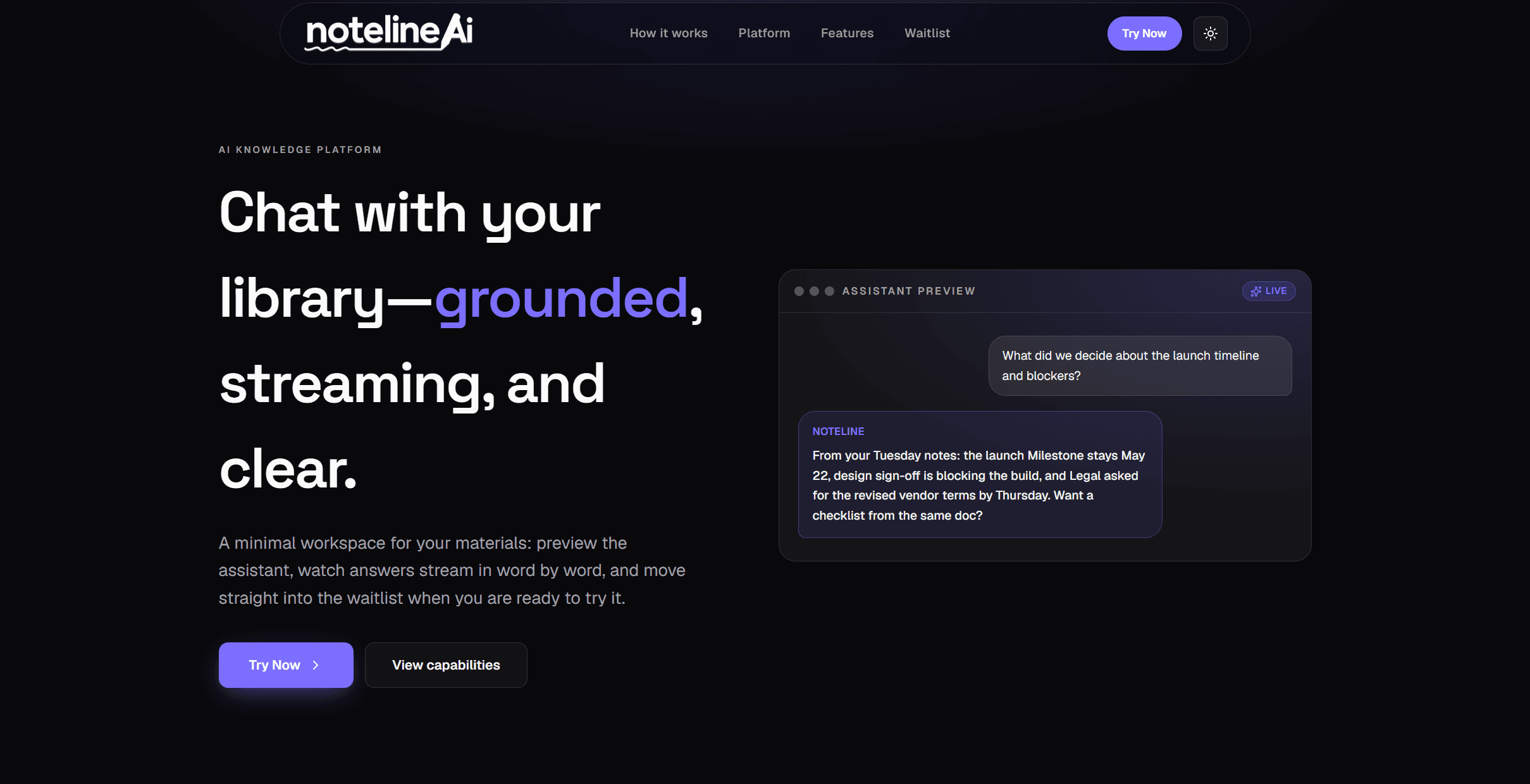
The landing page preview demonstrates this live — ask about launch timelines and get answers pulled from "Tuesday notes" with specific dates and blockers.
LangChain's Role
LangChain isn't just a wrapper — it orchestrates the full RAG lifecycle:
| LangChain Component | Noteline AI Usage |
|---|---|
DocumentLoaders | Parse uploaded files into LangChain Documents |
TextSplitters | Chunk notes with overlap |
Embeddings | Generate vectors for storage |
VectorStore | Abstract over Pinecone/Chroma/pgvector |
Retrievers | Similarity search with score thresholds |
Chains | Wire retrieval → prompt → LLM in one pipeline |
Memory | Optional conversation history for follow-ups |
from langchain.chains import create_retrieval_chain
from langchain.chains.combine_documents import create_stuff_documents_chain

chain = create_retrieval_chain(retriever, document_chain)
response = chain.invoke({"input": user_question})
This modularity let me swap embedding models and vector stores without rewriting the chat logic.
Source Citations — The Trust Layer
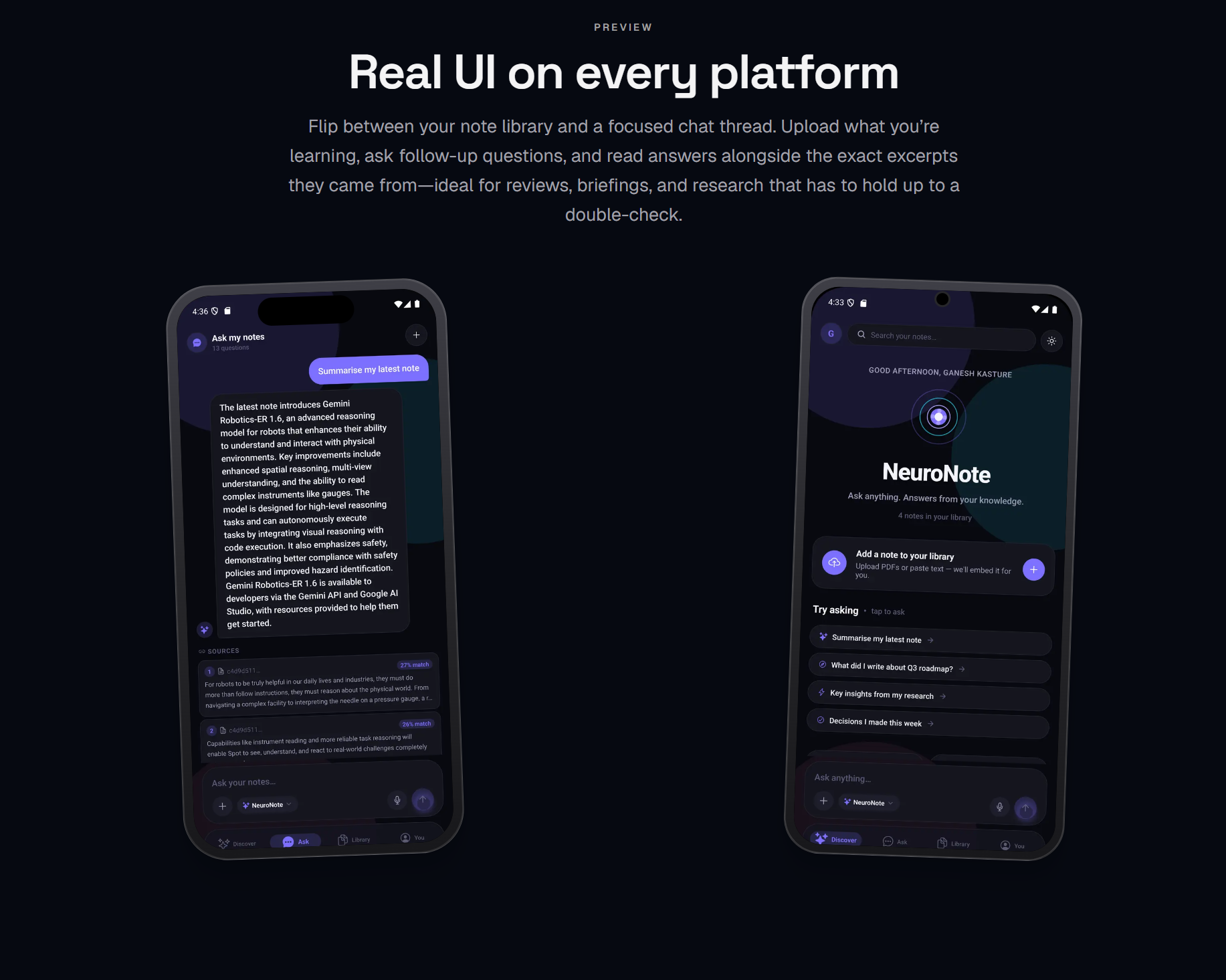
The mobile UI shows a SOURCES panel below every answer:
- Numbered excerpts from retrieved chunks
- Match percentage per source
- Snippet preview so users can verify before trusting
Example from the app:
User: "Summarise my latest note"
Noteline AI: "Gemini Robotics-ER 1.6 is a vision-language-action model with enhanced reasoning and multi-view understanding..."
Sources:
37% match— "...reasoning capabilities across spatial..."26% match— "...multi-view understanding for robotics..."
This is what separates a RAG app from a generic chatbot — every claim is traceable.
Key Features Built
Note Library
Upload and organize learning materials. The home screen shows your library count and suggested prompts like "What did I write about Q3 roadmap?"
Focused Chat Thread
A dedicated "Ask my notes" interface with conversation history, follow-up questions, and streaming responses.
Cross-Platform UI
Landing page for web discovery + mobile-native chat experience with bottom navigation (Discover, Ask, Library, You).
Suggested Prompts
Starter questions reduce blank-page friction:
- "Summarise my latest note"
- "Key insights from my research"
- "Decisions I made this week"
Waitlist / Try Now Flow
Landing page CTA drives users into the assistant preview before full signup.
Challenges & Solutions
Challenge 1: Retrieval quality on short notes
Problem: Small notes produce tiny chunks with weak embeddings.
Solution: Tune chunk size down (400 tokens), increase overlap (150), and use hybrid search (keyword + semantic) for better recall.
Challenge 2: Stale answers after note updates
Problem: User edits a note but vector store has old chunks.
Solution: Re-index on save — delete old vectors by note ID, re-chunk, re-embed atomically.
Challenge 3: Streaming + citations together
Problem: Citations need retrieval results before streaming starts.
Solution: Two-phase response — send source metadata first, then stream the answer body. UI renders sources immediately while text flows in.
Challenge 4: Cost at scale
Problem: Embedding every upload + retrieval on every query adds up.
Solution: Cache embeddings per document hash; batch embed on upload; use smaller embedding models for dev.
RAG vs. Agent — When to Stop
Noteline AI is RAG-first, not agent-first. It retrieves and answers — it doesn't autonomously browse the web or execute code. That scope discipline kept the product focused:
- Users want answers from their notes, not a general assistant
- RAG pipelines are predictable and debuggable
- Citations require a retrieval step anyway — agents add complexity without clear benefit here
Agents make sense when you need tool use (send email, run code). For personal knowledge, RAG is the right primitive.
Tech Stack Summary
Frontend     → Next.js, React Native, Tailwind
Orchestration→ LangChain (Python / JS)
Embeddings   → OpenAI text-embedding-3-small
Vector Store → pgvector / Chroma
LLM          → GPT-4o / Gemini (configurable)
Streaming    → SSE / Vercel AI SDK
Auth         → Supabase / NextAuth
Storage      → S3 / Supabase Storage for raw files
Lessons Learned
- Retrieval quality IS the product — a great LLM with bad retrieval feels broken
- Show your sources — citations build trust and reduce support questions
- Chunk strategy matters more than model choice — tune split size before swapping GPT versions
- LangChain accelerates prototyping — swap components without rewriting pipelines
- Stream everything — RAG feels slow without streaming; users tolerate 2s retrieval if text flows immediately
What's Next for Noteline AI
- Multi-format ingest — PDF, Notion export, URL scraping
- Notebook collections — group notes by project or course
- Collaborative libraries — shared team knowledge bases
- Local-first mode — Ollama + local embeddings for fully private RAG
- Voice input — ask questions by speaking
Try It
Noteline AI is part of my portfolio of AI products. Check the Projects section on this site for the latest demo and source links.
If you're building a RAG app, start with: ingest → chunk → embed → retrieve → cite → stream. Get retrieval right first — everything else is UI polish.