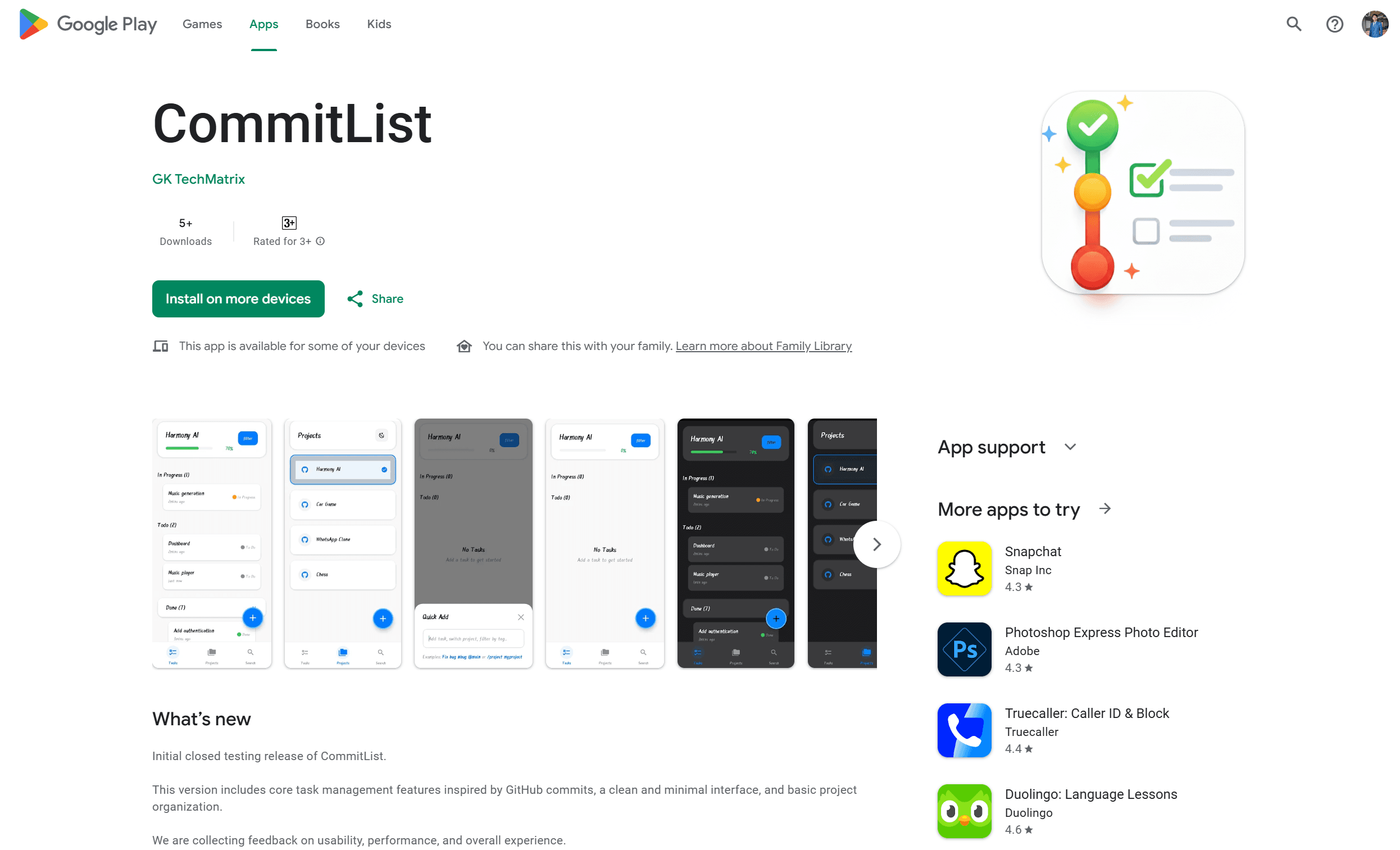
From React Native to Play Store: Building CommitList
From React Native to Play Store: Building CommitList
Most productivity apps feel like generic to-do lists. When I built CommitList, I wanted something different: a task manager that thinks like a developer — organized around projects, commits, and local-first persistence.
This post covers how I architected CommitList in React Native, why I chose an offline-first approach, and the full pipeline from development to a live Play Store listing.
What Is CommitList?
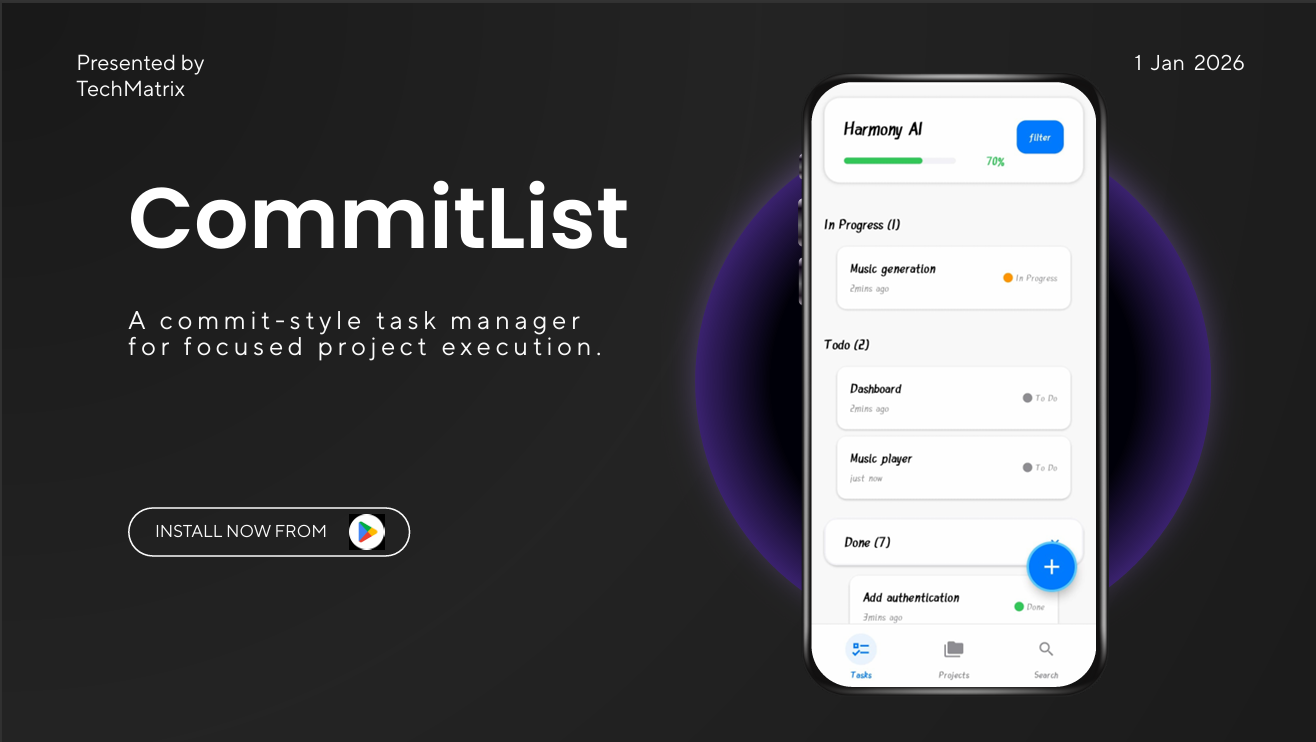
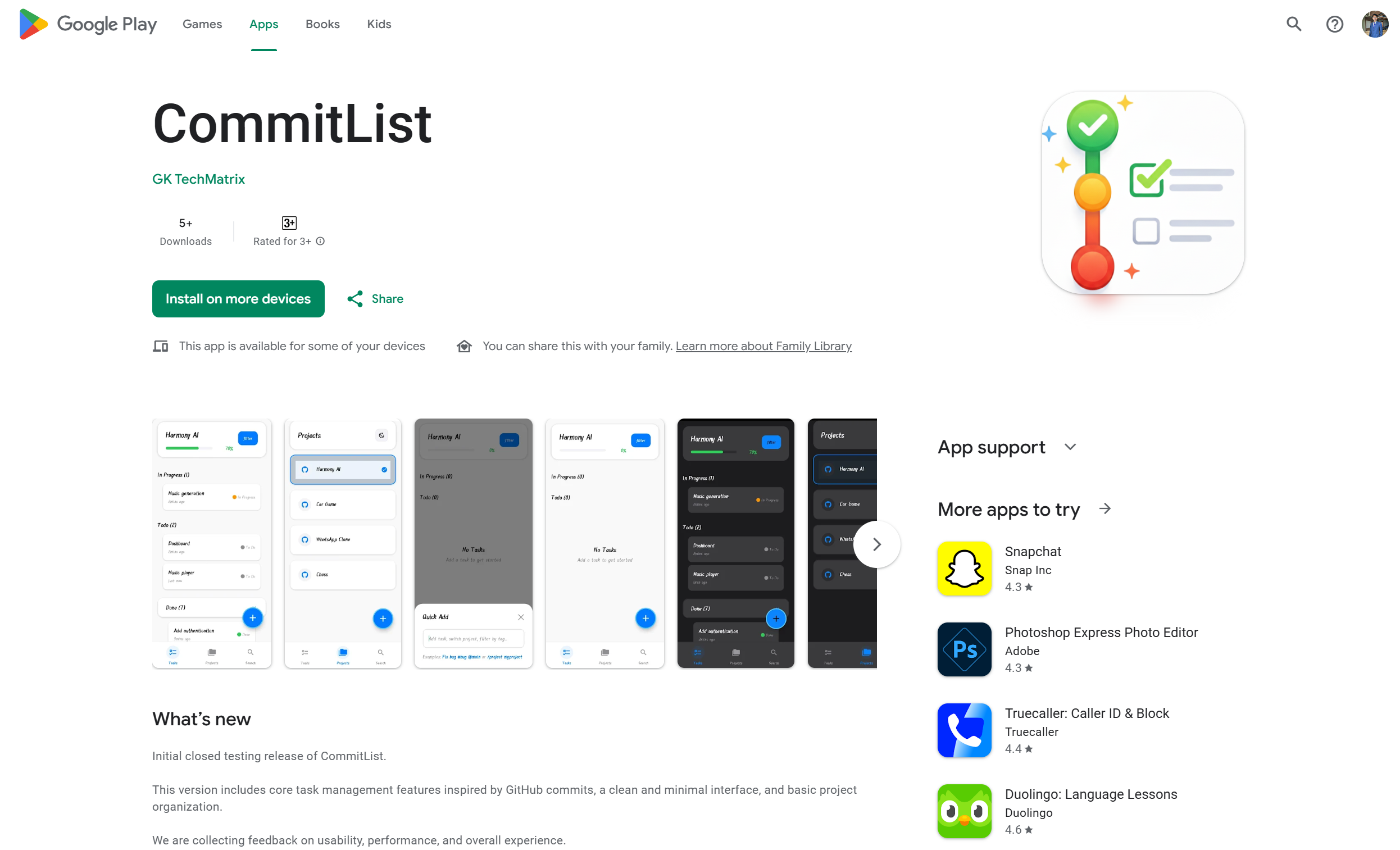
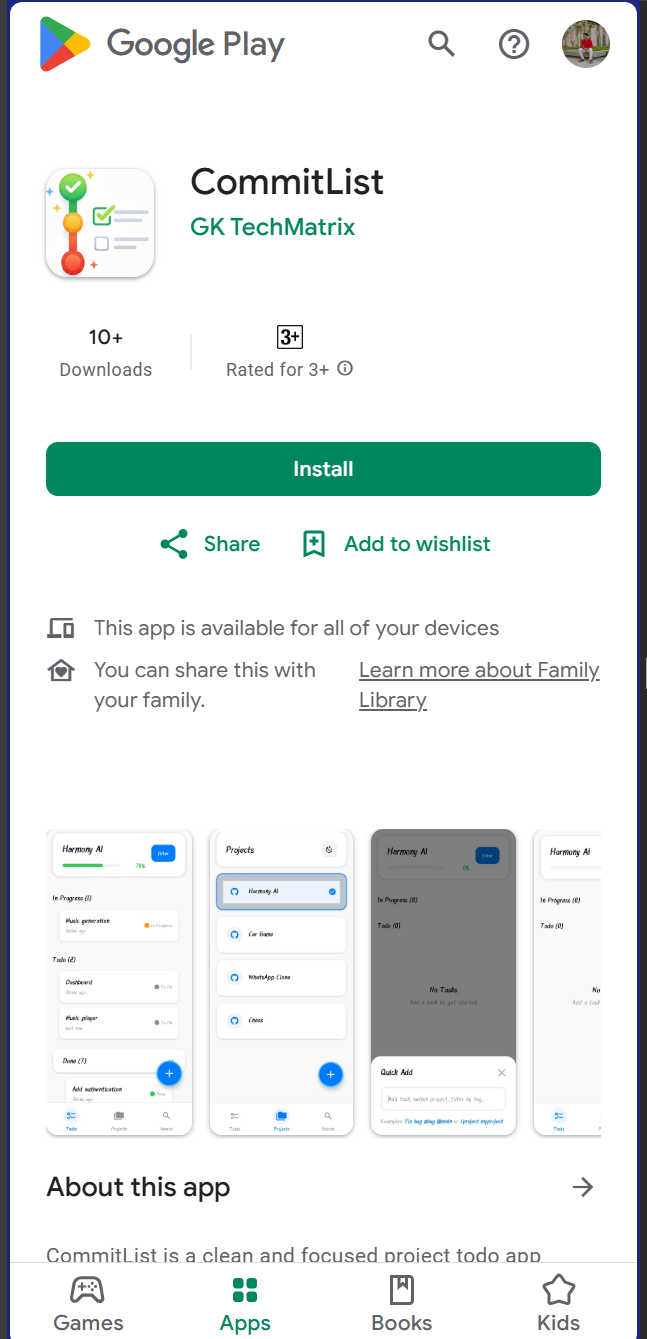
CommitList is a GitHub-inspired task management app for Android. Instead of flat checklists, work is structured as:
- Projects — containers for related work (like repositories)
- Tasks modeled as commits — each task carries a message, status, and history
- Workflow states — track progress the way teams track code changes
The goal was simple: give developers and builders a familiar mental model for managing personal and team work — without needing a backend server for day-to-day use.
Live on Play Store: com.techmatrix.commitlist
Tech Stack
| Layer | Choice | Why |
|---|---|---|
| Framework | React Native | Cross-platform UI, strong ecosystem, fast iteration |
| Storage | AsyncStorage | Local-first persistence, works offline |
| Navigation | React Navigation | Standard stack/tab patterns for mobile |
| State | React Context + hooks | Lightweight, no over-engineering for local data |
| Build | Gradle (Android) | Required for Play Store AAB generation |
Architecture: Local-First by Design
The core design decision was local-first data architecture. Every project, task, and commit history is stored on-device using AsyncStorage.
// Simplified persistence layer
const STORAGE_KEY = "@commitlist_data";

export async function saveProjects(projects) {
  await AsyncStorage.setItem(STORAGE_KEY, JSON.stringify(projects));
}

export async function loadProjects() {
  const raw = await AsyncStorage.getItem(STORAGE_KEY);
  return raw ? JSON.parse(raw) : [];
}
Why local-first?
- Offline-first — users can manage tasks without internet
- Fast performance — no network latency on every read/write
- Privacy — data stays on the device by default
- Simpler ops — no server costs or sync conflicts at v1
This mirrors how many indie mobile apps should start: solve the core UX problem first, add cloud sync later if users demand it.
Key Features I Built
1. Project-Based Workflows
Users create projects (e.g. "Portfolio Redesign", "Client App") and add tasks inside each one. This prevents the "infinite flat list" problem most todo apps suffer from.
2. Commit-Style Task Modeling
Each task behaves like a commit:
- A descriptive message (what you're doing)
- A status (pending, in progress, done)
- Timestamps for when work was logged
Developers instantly understand this pattern — it's the same muscle memory as git commit -m "fix navbar scroll bug".
3. Persistent Local Storage
AsyncStorage handles serialization of the full project tree. On app launch, data hydrates immediately — no loading spinners, no failed API calls.
4. Clean Mobile UI
The interface uses card-based layouts, clear typography, and dark/light-friendly styling so the app feels native on Android devices of all sizes.
Development Workflow
Project setup
npx react-native init CommitList
cd CommitList
npm install @react-native-async-storage/async-storage
npm install @react-navigation/native @react-navigation/native-stack
Folder structure (simplified)
src/
├── components/     # Reusable UI (TaskCard, ProjectHeader)
├── screens/        # Home, ProjectDetail, AddTask
├── context/        # App-wide state provider
├── storage/        # AsyncStorage read/write helpers
└── types/          # TypeScript interfaces for Project, Task
Testing on device
Always test on a real Android device, not just an emulator. Play Store reviewers and real users behave differently — touch targets, keyboard behavior, and back-button navigation all matter.
npx react-native run-android
Publishing to Google Play Store
Shipping to production is a separate skill from writing code. Here's the pipeline I followed for CommitList.
Step 1: Generate a signed release build
Play Store requires an Android App Bundle (AAB), not a raw APK.
cd android
./gradlew bundleRelease
Output: android/app/build/outputs/bundle/release/app-release.aab
You'll need a keystore for signing. Store this securely — losing it means you can never update the app under the same package name.
Step 2: Google Play Console setup
- Create a Google Play Developer account ($25 one-time fee)
- Create a new app with package name:
com.techmatrix.commitlist - Fill in store listing:
- App name, short & full description
- Screenshots (phone + optional tablet)
- Feature graphic (1024×500)
- App icon (512×512)
- Privacy policy URL (required even for local-only apps)
Step 3: Content rating & compliance
Complete the content rating questionnaire and declare:
- Data collection practices (CommitList stores data locally only)
- Target audience
- Ads presence (none)
Step 4: Upload AAB & release
- Go to Production → Create new release
- Upload the
.aabfile - Add release notes
- Submit for review
Review typically takes 1–3 days for new apps. After approval, CommitList goes live.
Play Store Listing Tips
What worked for CommitList:
- Lead with the problem — "Task management for developers who think in commits"
- Show real screenshots — not mockups; use actual app UI
- Highlight offline capability — a genuine differentiator
- Use keywords naturally — task manager, developer productivity, offline, project management
Lessons Learned
1. Local-first is underrated
Users don't always need cloud sync on day one. AsyncStorage gave CommitList speed and reliability without infrastructure overhead.
2. Familiar metaphors win
The GitHub/commit metaphor wasn't a gimmick — it reduced cognitive load for the target audience.
3. Play Store is a product launch, not a formality
Store assets, descriptions, and screenshots are as important as the code. Budget time for both.
4. Ship early, iterate later
CommitList v1 focused on core flows: create project → add tasks → mark complete → persist locally. Feature creep kills indie launches.
What's Next for CommitList
Potential v2 features on the roadmap:
- Cloud sync with optional account
- Team collaboration and shared projects
- Widget for quick task capture
- iOS release via React Native shared codebase
Try It
Download CommitList on the Play Store:
play.google.com/store/apps/details?id=com.techmatrix.commitlist
If you're building a React Native app and planning a Play Store launch, start with local-first architecture, nail the core UX, and treat the store listing as part of the product — not an afterthought.